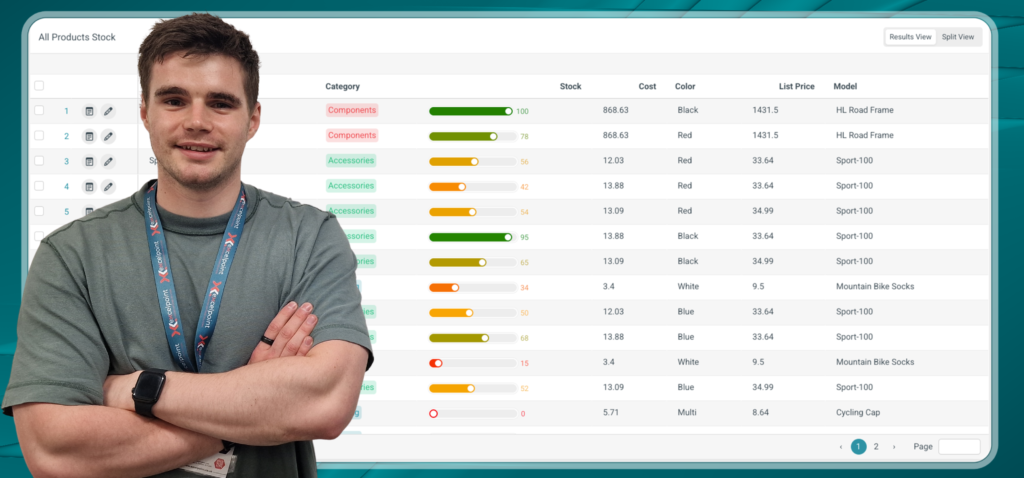
A conversation with Ed Wyllie, UX Lead at Builda, on no-code, AI and what they mean for your business
Most business software is built for one purpose: a finance system handles your accounts, a booking system handles your bookings, and a timesheet system handles your timesheets. Builda’s platform is different. Our software is designed to let organisations build their own solutions, booking systems, asset registers, inspection workflows, and case management tools, without writing any code.
That presents an unusual challenge for the people designing it. We sat down with Ed, Builda’s UX Lead, to talk about what it takes to build a product that works for healthcare trusts, local councils, water companies, nuclear sites and engineering firms all at once, and what AI now means for the businesses using it.
Tell us a bit about your background and how you got into UI development.
I was always a creative kid who liked playing with computers and animation. When I went to university, I chose a degree that married my business interests with technology, and as it went on, I realised I was doing the programming modules for fun rather than because there was an assignment due. That’s how I got into it properly. In my first few jobs, the projects I enjoyed most were always the front-end ones; they scratched the creative itch. You can actually see the fruits of your work in a way you can’t with a lot of back-end development.
Building one product for every problem
What makes designing for a no-code platform different?
If you’re building a booking system, you can sit down with the customer and ask exactly how they want it to work. You tailor every screen to their needs. With a platform like ours, you build features without knowing whether they’ll be used for booking, timesheets, meeting rooms, project management or something nobody’s even thought of yet. Every feature has to be generic enough to fit anywhere, but still good enough that the people using it feel they’ve got a product built specifically for them. That’s the hardest part of the job.
A common concern for businesses is whether their non-technical teams can actually use a no-code platform. How do you make it approachable for people who aren’t developers?
We try to follow industry patterns as closely as we can. The way you design screens and forms in our admin experience would feel familiar to anyone who’s used WordPress, Wix or Squarespace. It’s drag-and-drop, “I want that thing over here, that one over there.” Matching what people already expect from other tools is half the battle.
The other half is not overloading anyone with too much information at once. The aim is always a shallow learning slope with real depth underneath, easy to pick up, but with plenty to master as your team gets more confident with the platform.
Our customers are very different from one another – healthcare trusts, councils, water companies, nuclear sites. How do their needs differ?
Hugely. Public sector organisations often have strict accessibility requirements; the software has to work with screen readers and assistive technology. We’ve had customers in other sectors using the product almost entirely on phones, sometimes with gloves on, so the buttons need to be five times the usual size or people hit two at once. Some customers have largely office-based teams; others have inspectors and engineers out in the field with patchy connectivity. The product has to flex to all of that, which is one of its real strengths.
Frontline workers, clinicians, field engineers, and inspectors are increasingly using business software on a phone rather than at a desk. Does that change how you design?
Completely. On a desktop, you’ve got a wide screen and space to lay things out. On a phone, you’ve got less space, and on top of that, people’s fingers are bigger than a mouse cursor, so they need bigger buttons. The two designs end up looking very different. The thing that matters for organisations is that the same underlying solution works in both contexts; the office user and the engineer on site are looking at the same data, just through different interfaces designed for the device in their hand.
Built for the realities of business
Many of your customers operate in regulated environments with strict requirements around audit trails, permissions and compliance. How does the platform handle that?
The building blocks are all in place. You can see exactly who’s touched a document, when they touched it, and who last updated it. You can establish links between different pieces of information so that someone reviewing a case can see the whole picture in one place rather than chasing it across systems. None of that is bolted on; it’s built into how every piece of the platform works.
What that means in practice is that the limit is your creativity rather than the product. We give you lots of small components that can be combined in different ways to fit whatever your governance requirements happen to be, whether that’s clinical record-keeping, regulated inspections, or anything else where being able to evidence what happened and when is essential.
Can you give us an example of how customer needs have actually shaped the product?
A good recent example is a customer who was using our planner view as a booking management system. They had a real-world need we hadn’t fully covered; they could see all the bookings assigned to a particular person, but the bookings that hadn’t been assigned to anyone yet were just invisible. We built in an unassigned section, and we extended the planner so that you can actually edit and manipulate bookings inside it rather than just viewing them.
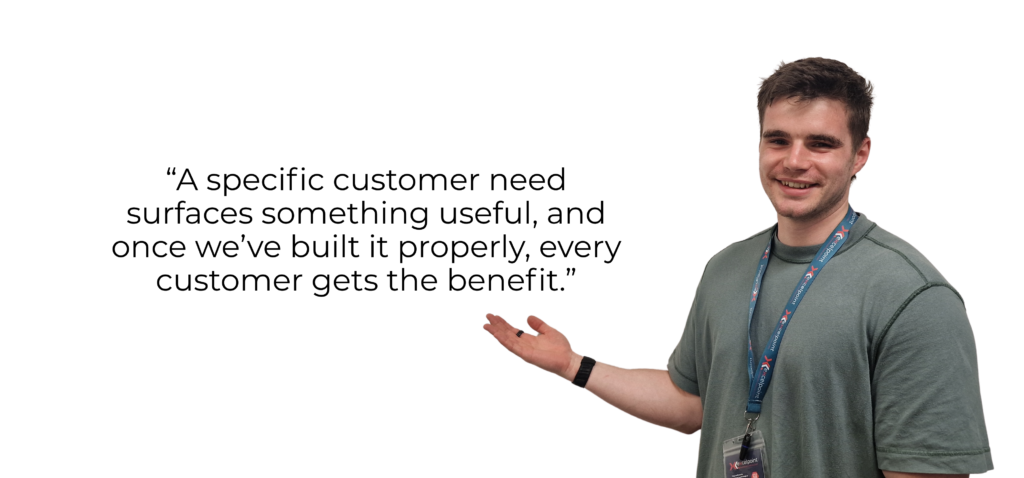
What started as a fix for one customer turned into a feature that benefits everyone using the same tool. That’s quite typical of how the product evolves: a specific customer need surfaces something useful, and once we’ve built it properly, every customer gets the benefit.
Where AI fits in and where it doesn’t yet
AI is everywhere right now. How is it actually changing the experience for the people using business software?
The biggest shift is that people now expect to be able to talk to their software in plain English and get something useful back. Tools like ChatGPT have set that expectation across the board. In our product, you can ask the assistant to find information, run a search, build a screen or set up a process for you, without having to learn how the system works underneath. That genuinely changes how quickly someone new to the product can become productive.
A lot of companies are just bolting a chatbot onto their existing product and calling it AI. What’s the difference between that and embedding AI properly?
A bolted-on chatbot is a search box with better manners. What’s actually useful is when AI does work for you. A simple example from inside our own business: I’m always forgetting to fill in my timesheets. Rather than going into the system and adding five entries, I can ask the assistant “Have I filled my timesheets in this week, and if not, can you fill them in for me?” It comes back with five drafts, and I just click approve. That’s a small thing, but multiplied across an organisation, it’s an enormous amount of time saved on admin nobody enjoys doing.
How is AI changing the way your own team builds the product?
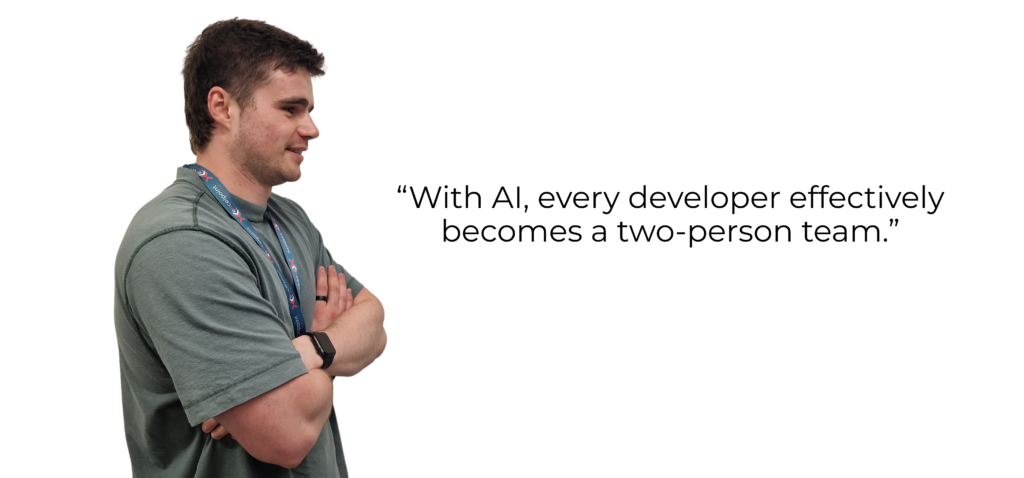
Massively. The way we work has shifted from writing code to reviewing it. Every developer effectively becomes a two-person team, you and an AI assistant working in parallel. For small jobs, the AI produces a draft, and I review it. For larger jobs, we work on different parts at the same time, and the team reviews the whole thing at the end. The amount we get done in a week is significantly higher than it was even a year ago.
That sounds positive. What’s the risk you’re most cautious about?
Discipline. We’ve adopted the new tools quickly, but we’re still very thorough about reviewing what the AI has produced. Going through everything carefully takes time, and I don’t think every company in the industry is being as disciplined. You’re already seeing outages at companies shortly after they’ve announced replacing developers with AI. If you can produce software faster, you can produce mistakes faster too, and for businesses choosing software, that’s worth paying attention to. The companies that get this right will be the ones who use AI to amplify good work, not replace careful work.
What this means for businesses
Where do you see business software heading over the next few years?
Fewer of your team will be navigating through screens and clicking through forms, and more will be telling the software what they need in plain English. No-code platforms are well placed for that, because the AI sits on top of a solid foundation it can build on, rather than trying to write everything from scratch. For organisations, the practical effect is that getting new ideas into working software gets faster and more cost-effective.
Will the traditional click-and-fill interface disappear entirely?
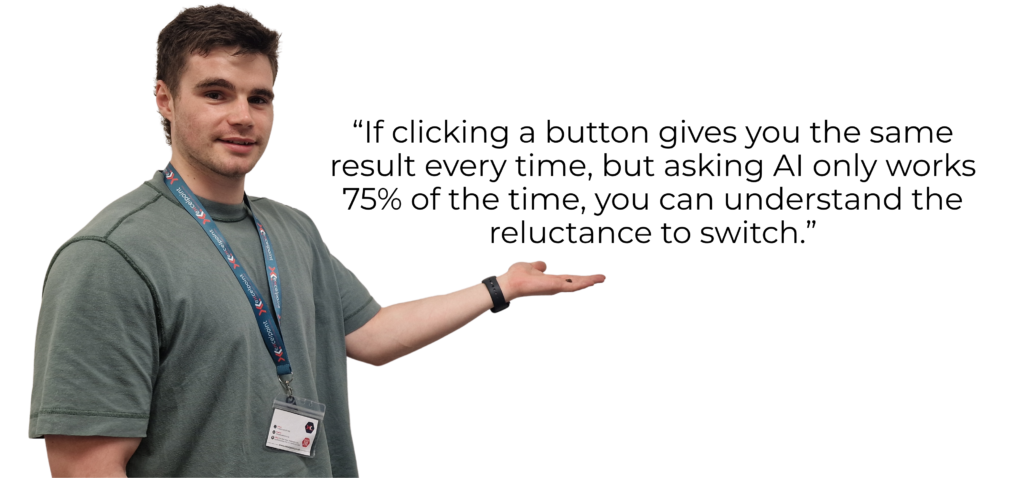
Not for a long time. People know what they like and how they like to work. And nobody has solved the reliability problem with AI yet. If I know that when I click a button, I get the same result every time, but if I ask AI to do the same thing, it only works 75% of the time, you can understand the reluctance to switch. I expect conversational interfaces to become the front door for most users, with the traditional controls sitting underneath for the moments when you need absolute certainty.
It’s a measured view from someone in the middle of building it. AI is reshaping how business software gets used, but the fundamentals of what makes good software still apply. For the businesses choosing platforms now, that’s perhaps the most useful thing to hear.
Final Thought
After your time in the industry, is there one principle about good UI that has stayed constant? for you, regardless of how the tech has changed.
I’ve always found it useful to spend time looking at what other people are doing and absorbing the best parts. That seems to apply regardless of the technology. There’s academic literature on how interfaces should be designed, where text should sit on a screen, at what size, and that side of the craft stays pretty constant. But even when you’re looking at people pushing the frontiers with genuinely novel AI integrations, or whatever the technology of the day happens to be, the ability to understand the variations across the industry is always a useful skill.
Rather than choosing one good example and copying it, being familiar with how lots of different teams have implemented the same feature is what really pays off. You can pick out the commonalities, and you can pick out the best bits.

Ed Wyllie
Builda UX Lead at Excelpoint
If you would like to discover more about our no-code technology, please get in touch at: https://buildasystem.co.uk/contact/